
One Hour to Set Up Spending Tracking That Sticks
Set up spending tracking in under an hour, use two minute daily logs and a 15 minute weekly review, then follow a 30 day reset to make the habit stick.
One Hour to Set Up Spending Tracking That Sticks
Pick one capture method today, whether that's an app, a spreadsheet, or a plain notebook, and log every purchase for the next seven days. That single step matters more than which tool you choose. Success looks like a 15-minute weekly review and a monthly total by category. Nothing fancier is needed to start.
TL;DR:
- Using a simple system like daily logging followed by a weekly review can help build a sustainable tracking habit within 30 days.
- Auto-import apps save effort but require regular correction, while manual entry increases awareness and reduces impulsive spending.
- Starting with 8 to 12 budget categories and tracking irregular costs through annualized payments provides balanced detail without complexity.
- Incorporating a 30-day challenge with daily prompts significantly improves the likelihood of long-term tracking consistency.
- Fixes for common tracking failures include subscription audits, choosing a single cash log rule, and implementing a deliberate 24-hour wait on non-essential purchases.
Table of Contents
- Auto-Import Apps vs. Manual Entry vs. Spreadsheets vs. Pen-and-Paper
- How Do You Set Up Spending Tracking in One Sitting?
- Which Tracking Tool Actually Fits Your Situation?
- What Categories Should You Track?
- How Often Should You Review Your Spending?
- Why Do People Quit Tracking, and How Do You Fix It?
- Why 30 Days Beats "Track More" as Advice
- Make Tracking Stick With a Guided 30-Day Reset
- Templates and Trackers Worth Opening Right Now
- Sources
Auto-Import Apps vs. Manual Entry vs. Spreadsheets vs. Pen-and-Paper
Each method trades effort for control differently, and the right pick depends on how much friction you can tolerate.
- Auto-import apps link to your bank and categorize transactions automatically. Lowest effort, but they miss cash purchases and frequently mislabel transactions, so someone still has to check the work.
- Manual-entry apps ask you to type each purchase. More time, but the act of entering a charge creates a moment of friction that reduces impulsive spending, according to NerdWallet's analysis of tracking methods.
- Spreadsheets (Google Sheets or Excel) give full control over categories and formulas, at the cost of building the thing yourself.
- Pen-and-paper notebooks work best for cash-heavy spenders and people who want the habit to feel tangible rather than digital.
For free options, bank-provided transaction summaries, manual spreadsheet templates, and printable trackers cover most needs without a subscription fee.
How Do You Set Up Spending Tracking in One Sitting?
You can build a working system in under an hour. Here's the order that gets you there fastest:
- Choose your capture tool and put it one tap away, home screen, bookmarked spreadsheet, or a notebook by your wallet.
- Create 8 to 12 starting categories. Set one simple rule for cash: log it the moment you withdraw, not when you spend it.
- Link your bank accounts, or if you're going manual, import the last month of statements so you have real numbers to start from.
- Adopt a daily logging rule, even if it's just 10 seconds per purchase, and pick a fixed day for your weekly review.
- Run a 30-day checklist: review week one, compare week two against week one, and make one adjustment by week four.
Pro Tip: Log the purchase the moment it happens rather than saving receipts for later. Vault's guidance on expense tracking puts the whole habit at about two minutes a day plus fifteen minutes on a Sunday, and that only holds if you capture in real time instead of batching it.
Which Tracking Tool Actually Fits Your Situation?
The honest answer depends on what you're optimizing for, not which app has the best reviews.
- If privacy matters more than convenience, skip bank-linked apps entirely and use manual entry or a spreadsheet you control.
- If your goal is minimum ongoing effort, auto-import wins, but budget 10 minutes a week to fix miscategorized transactions.
- If you want custom reports (spending by weekday, category trends over six months), spreadsheets beat apps every time.
- If you want automation without giving up structure, apps handle the bookkeeping while you handle the decisions.
A hybrid works well for a lot of people: log manually each day for the awareness benefit, then cross-check against your bank statement once a month to catch what you missed. Wells Fargo's guide to tracking spending recommends this kind of statement review regardless of which daily method you use, since it's the only way to catch what slipped through.
What Categories Should You Track?
Start with 8 to 12 categories. Fewer than that hides real detail; more turns budgeting into a part-time job, according to The Penny Hoarder's breakdown of common budget categories. Wait 60 days before adding subcategories, so you're splitting based on actual data instead of guessing.
| Category | What it covers | |---|---| | Housing | Rent or mortgage, HOA fees | | Utilities | Electric, water, internet, phone | | Groceries | Food bought for home | | Dining out | Restaurants, delivery, coffee | | Transport | Gas, transit, rideshare, maintenance | | Subscriptions | Streaming, software, memberships | | Health | Insurance premiums, prescriptions, copays | | Entertainment | Movies, games, hobbies | | Debt/savings | Loan payments, transfers to savings | | Miscellaneous | Anything that doesn't fit above |
Irregular costs like car insurance or annual renewals deserve their own treatment. Annualize them and divide by 12 so a sinking fund absorbs the hit instead of blowing up your monthly numbers. If you're using the 50/30/20 framework, your categories collapse into needs, wants, and savings; zero-based budgeting instead assigns every dollar a job before the month starts, which usually means more granular categories, not fewer.
How Often Should You Review Your Spending?
Tracking without review is just data collection. The cadence that actually changes behavior looks like this:
- Daily capture, about two minutes, logged at a fixed time (after dinner, during your commute, whatever sticks).
- Weekly review, 15 minutes, where you clean up mislabeled entries and flag anything unusual.
- Monthly close, 20 to 30 minutes, where you total each category, identify the two biggest overages, and choose exactly one adjustment to make next month.
A printable tracker that collects receipts and totals by category weekly is one of the fastest ways to spot the small recurring expenses that don't show up until you add them all together. Track two numbers as your ongoing KPIs: percentage of categories on target, and progress toward each sinking fund. Those two figures tell you more than a full ledger ever will.
Why Do People Quit Tracking, and How Do You Fix It?
Most tracking systems die from four predictable causes, each with a specific fix.
- Forgotten subscriptions bleed money quietly. Run a subscription audit against your last two bank statements and cancel anything you can't name a reason for keeping.
- Cash gets lost. Pick one rule, either log it at the ATM withdrawal or use physical envelopes, and stick with that single rule.
- Miscategorization causes burnout. Set a 10-second entry rule and accept 90% category accuracy as good enough. Perfection is what makes people quit.
- Impulse buys derail the budget. A 24-hour wait rule on non-essential purchases over a set amount catches most of them before they happen.
Small, repeated leaks tied to distraction or impulsivity are common enough that some financial writers call it a quiet tax on attention rather than income.
Pro Tip: If dining out or online shopping keeps sneaking past your budget, the issue usually isn't the category. It's the trigger behind it, stress, boredom, a bad day at work. Journaling prompts built around spending triggers can surface the pattern faster than another month of receipts.

Why 30 Days Beats "Track More" as Advice
Telling someone to "track more" is vague advice, and vague advice doesn't survive a bad week. A time-boxed challenge works because it lowers the bar: 30 days, daily prompts, small visible wins instead of one abstract goal. That structure is exactly why the 30-Day Zero-Spend Reset Challenge Workbook exists. It uses daily behavioral prompts and built-in accountability rather than asking you to white-knuckle a habit change. People who complete it report saving an average of $847 a month, not because the tracking method is exotic, but because the deadline and the daily structure make follow-through automatic instead of optional.
, Omar
Make Tracking Stick With a Guided 30-Day Reset
Most tracking advice stops at "pick a tool." The harder part is staying consistent once the novelty wears off, which is exactly what the No Spend Reset Challenge Workbook is built to solve.
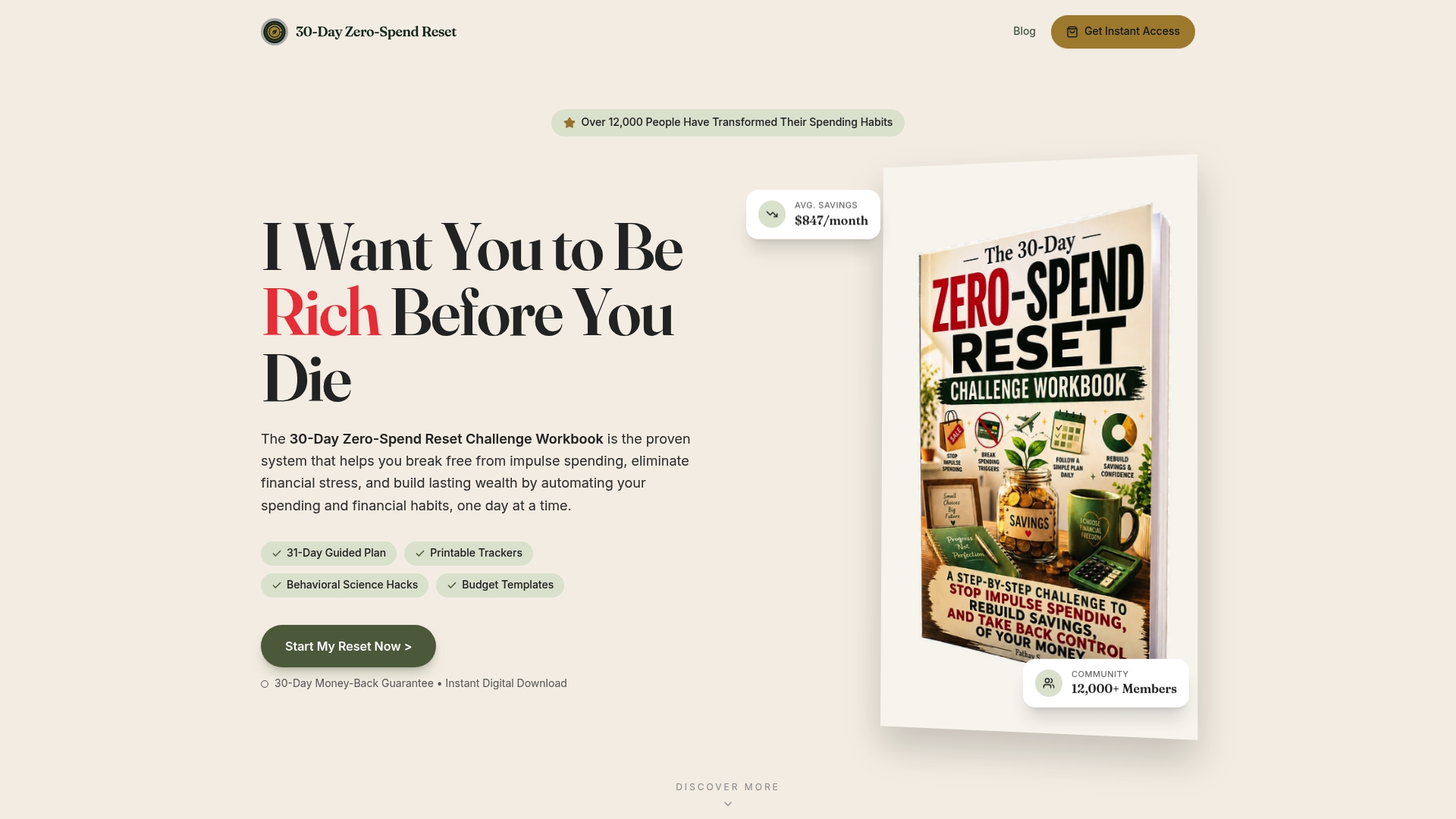
The workbook and companion webapp bundle daily behavioral challenges, printable trackers, a subscription-audit template, and social scripts for the money conversations that usually get skipped. It's built for people dealing with impulse spending, subscription creep, or the vague sense that money keeps disappearing without a clear culprit. Instead of a generic budgeting app, you get a structured 30-day sequence with daily prompts and small wins built in, the same approach behind reported average savings of $847 a month among people who finish the program. If you want tracking to turn into an actual habit rather than a spreadsheet you abandon in week three, start the 30-day reset and follow the daily checklist from day one.
Templates and Trackers Worth Opening Right Now
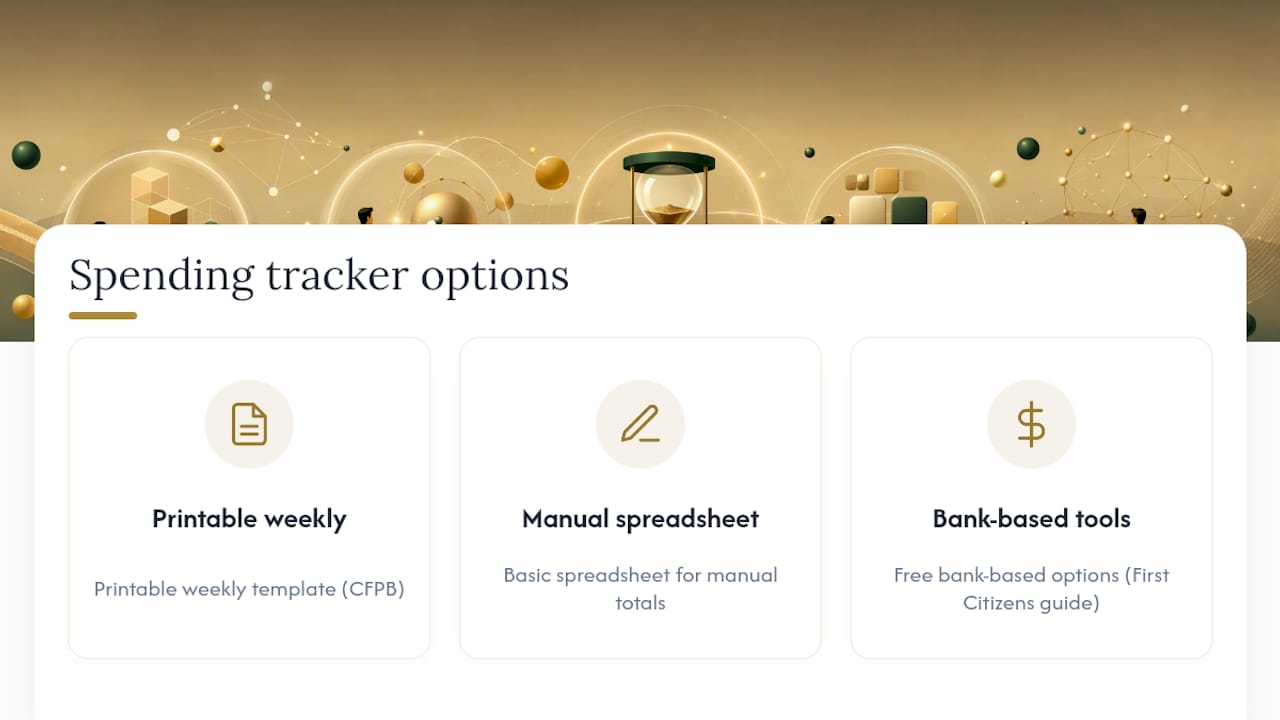
Start with the CFPB spending tracker for a printable weekly template, a basic spreadsheet for manual totals, or First Citizens' guide for free bank-based options.
This article is general information, not a substitute for advice from a qualified financial advisor. Consult a qualified financial professional about your own circumstances before acting on anything here.
Sources
- CFPB spending tracker (Your Money, Your Goals)
- Keeping track of expenses, First Citizens
- How to track expenses, Vault
- 12 common budget categories, The Penny Hoarder
Recommended
Ready to reset your spending?
Get the 30-Day Zero-Spend Reset Workbook and turn these ideas into a daily action plan.
Start the 30-Day ResetThis article is part of the 30-Day Zero-Spend Reset method. Explore the complete day-by-day system behind these ideas.
Read the full guideKeep reading




Join the conversation
Be the first to share your thoughts on this article.