
Stop the Next Charge in Under 10 Minutes: Audit, Cancel, and Run a 30 Day Test
Learn a fast audit to cancel unused subscriptions in under 10 minutes, run a 30 day cancel and test, and weigh subscription apps' privacy tradeoffs before...
Stop the Next Charge in Under 10 Minutes: Audit, Cancel, and Run a 30 Day Test
You can stop the next recurring charge in under 10 minutes: check your app stores (Apple ID or Google Play), scan your last two bank and credit card statements, and open PayPal's automatic payments list. Cancel anything you don't recognize or use before its renewal date, or ask your bank to block the merchant if the company won't let you cancel outright. Save a screenshot and note the date. If a charge lands anyway, dispute it or report the merchant to your state attorney general.
TL;DR:
- Checking mobile carrier bills can reveal long-standing subscriptions that often go unnoticed in other billing systems.
- Canceling subscriptions through the original app store or merchant's website is essential because deleting the app doesn't stop charges.
- Canceling at least 48 to 72 hours before the renewal date helps prevent charges for ongoing subscriptions, especially after free trials.
- Disputing charges or blocking merchants via your bank is a last resort when direct cancellation efforts fail or charges continue post-cancellation.
- Conducting a comprehensive audit at least every six months, including email searches and bank statement reviews, is the most effective way to eliminate subscription creep.
Table of Contents
- How to Find and Cancel Unused Subscriptions Fast
- How to Cancel Subscriptions on Apple, Google, Amazon, and PayPal
- Using Your Bank or Card to Stop a Charge
- What to Do When a Company Won't Let You Cancel
- Should You Use a Subscription-Tracking App?
- The 30-Day Cancel-and-Test Method
- Why Most Subscription Advice Stops Too Early
- Get the No Spend Reset Workbook and Webapp
- Sources
How to Find and Cancel Unused Subscriptions Fast
Most people underestimate how many subscriptions they're actually paying for because the charges hide across five or six different systems. Nobody thinks to check their mobile carrier bill for a $9.99 "premium services" line item, but that's exactly where forgotten add-ons live longest. A proper subscription audit means checking each channel separately, since Apple, Google, Amazon, PayPal, and your bank don't talk to each other.
Here's the order that finds the most money the fastest:
- Search your email inbox for "subscription," "renewal," "payment received," and "receipt." Go back at least six months. Most subscription confirmations land in your inbox the day they're charged.
- Open Settings → [Your Name] → Subscriptions on iPhone or iPad, or the Apple ID subscriptions page on Mac and the web. Check every Apple ID anyone in your household uses, since family accounts often hide separate subscriptions under a teenager's or partner's login.
- Open the Google Play Store app → tap your profile icon → Payments & subscriptions → Subscriptions on Android.
- Check Amazon under Accounts & Lists → Memberships & Subscriptions, and separately review Subscribe & Save, which bills differently and won't show up in the same list.
- Open PayPal → Settings → Payments → Automatic payments to see every merchant with standing permission to charge your account.
- Pull 12 months of bank and credit card statements and look for recurring dollar amounts and repeat merchant names, even ones that look unfamiliar (many streaming and app charges post under a parent company name, not the app's name).
- Check your mobile carrier bill for third-party charges, since carriers often bill for games, ringtones, and "premium content" services you never directly signed up for.
Once you've got your list, add up the monthly total, then multiply by 12. Seeing $340 a year isn't the same gut punch as $28 a month. Mark each subscription as cancel, test (keep for now, revisit in 30 days), or keep.
Pro Tip: Set a recurring phone reminder for the first of every month to rerun this audit. Subscription creep isn't a one-time problem. New trials and forgotten renewals sneak back in within a few months of a clean sweep.
How to Cancel Subscriptions on Apple, Google, Amazon, and PayPal
Deleting an app from your phone does nothing to stop the charge. If you bought the subscription through an app store, you have to cancel it through that same app store, and that single fact accounts for a huge share of the "why am I still being charged" complaints people post online, according to Apple's own support documentation.
On Apple devices: Open Settings, tap your name at the top, tap Subscriptions, select the subscription, and tap Cancel Subscription. On a Mac, open the App Store, click your name in the sidebar, then View Information and Manage next to Subscriptions. On the web, sign in at appleid.apple.com and go to the Subscriptions section.
On Android: Open the Google Play Store app, tap your profile icon in the top right, tap Payments & subscriptions, tap Subscriptions, choose the one to cancel, and tap Cancel subscription. The same flow works at play.google.com/store/account from any browser.
For Amazon: Go to Accounts & Lists, then Memberships & Subscriptions. Prime cancellation has its own confirmation flow that tries to talk you out of it with a summary of "benefits you'll lose." Subscribe & Save items get canceled individually from Your Orders, not from the membership page. Audible subscriptions cancel from Account Details on the Audible site, separate from your main Amazon account settings.
For PayPal: Settings → Payments → Manage Automatic Payments shows every merchant with standing authorization. Canceling here stops PayPal from sending future payments, but it doesn't always cancel your account with the merchant itself. Some services will simply invoice you directly once PayPal stops paying, so cancel with the merchant first, then remove the PayPal authorization as a backstop.
For anything billed directly on a company's website, log in, find Account or Billing, and look for Cancel Subscription or Manage Plan. Read the final confirmation screen carefully. It should show a cancellation date and, ideally, a confirmation number. If it doesn't give you one, take a screenshot anyway.
Timing matters more than people think. Consumer Reports recommends canceling free trials the moment you sign up, or setting a reminder two to three days before conversion, rather than trusting yourself to remember weeks later. For paid subscriptions already running, canceling 48 to 72 hours before the renewal date gives the system enough buffer to process the cancellation before the billing cycle triggers.
Using Your Bank or Card to Stop a Charge
When a merchant won't cancel or keeps charging after you've confirmed cancellation, your card issuer becomes your backstop. This should be your second-to-last move, not your first, since it's a blunter tool than a direct cancellation.
- Call your card issuer and ask them to block the specific merchant, sometimes called a "stop payment" or "merchant block." Most banks and card networks can flag a merchant ID so it can't charge that card again.
- File a dispute or chargeback if a charge posts after you've already canceled. Bring your documentation: the cancellation confirmation, the date and time, and any screenshots. LegalClarity's guidance on stopping recurring charges notes this kind of evidence is what actually gets disputes resolved in your favor.
- Consider dedicating one card exclusively to subscriptions, or using a virtual card number for a single merchant, so you always know exactly what's hitting that card.
Pro Tip: Some banks let you generate a single-use or single-merchant virtual card number right from their app. If a company makes cancellation miserable, a virtual card you can kill instantly beats waiting on hold.
Blocking a card outright can trigger fees on your end or get flagged by the merchant as a payment failure, which sometimes leads to a "past due" notice even after you've canceled. Treat it as a last resort after a documented cancellation attempt, not a substitute for one.
What to Do When a Company Won't Let You Cancel
Some companies build cancellation flows specifically to wear you down. You'll recognize the pattern: a phone-only cancellation line, a maze of "are you sure" screens, or a retention agent trained to counter every objection with a discount offer. These are widely known as dark patterns, and the fix is persistence paired with a script.
- State your decision plainly and stop there. "I have decided to cancel" works better than explaining why, because explanations give a retention agent something to argue against.
- Ask for a confirmation number every time, whether you're canceling by phone, chat, or email. The Better Business Bureau's guidance on subscription costs is direct on this: you don't owe a company an explanation, and you shouldn't leave a cancellation call without proof it happened.
- Send a written cancellation request by email or certified mail if phone cancellation fails or the company disputes that you called. A dated, written record beats a "he said, she said" phone call every time.
- Escalate if the charges continue. File a complaint with your state attorney general, submit a report to the FTC, or take the company to small claims court if the dollar amount justifies the time.
Keep every piece of proof in one folder: screenshots of the cancellation screen, the confirmation email, the agent's name if you spoke to someone, and the date and time of the call. Some states also carry automatic-renewal protections that require clear consent before billing and give you refund rights when a merchant fails to send required renewal notices, so check with your state attorney general's office if a company keeps billing after a documented cancellation.
Should You Use a Subscription-Tracking App?
Third-party tools split into two categories, and the difference matters more than most reviews mention. Tracking-only apps scan your bank statements or inbox to flag recurring charges but leave the canceling to you. Cancellation services go further and act on your behalf, contacting merchants directly to cancel.
That second category requires a real tradeoff. To cancel on your behalf, a service typically needs access to your bank login or card statements, which means handing a third party the keys to see (and sometimes act on) your financial accounts. Security reviews of subscription managers flag this as the core risk: convenience in exchange for sensitive account access, plus a subscription fee of its own that can quietly eat into whatever you save.
Before trusting any tool with your accounts, run this checklist:
- Does it use bank-level encryption and two-factor authentication?
- Can you find independent reviews, not just app-store ratings from the company itself?
- Is there a clear refund policy if the service doesn't deliver savings?
- Does canceling the tracking tool itself require the same fight as canceling a streaming service?
For most people, a manual audit paired with a structured system, like the No Spend Reset workbook, finds the same subscriptions without handing anyone your bank credentials.
The 30-Day Cancel-and-Test Method
The fastest way to break subscription creep isn't tracking every charge forever. It's canceling everything questionable at once, then paying attention to what you actually miss over 30 days. That single shift, from "will I need this?" to "did I miss this?", removes the guesswork and the status-quo bias that keeps unused subscriptions alive for years.
- Cancel every subscription marked "test" or "cancel" from your audit on day one.
- Log daily: did you reach for that app, service, or box today? A quick note takes 10 seconds.
- Track what you'd have paid versus what you spent instead.
- After 30 days, resubscribe only to what you genuinely missed, and negotiate a better rate on anything you bring back.
Pro Tip: Write down the exact moment you miss a canceled subscription, not just whether you missed it. "Missed it during my Sunday workout" tells you far more than a checkmark. Readers using this approach alongside the No Spend Reset webapp report significant monthly savings once the full 30-day reset takes hold., largely because subscriptions rarely travel alone. Once you cancel the streaming service you forgot about, you notice the meal kit, the gym app, and the cloud storage tier you upgraded two years ago and never downgraded.
Why Most Subscription Advice Stops Too Early
Most advice on this topic ends at "here's how to cancel." That's the easy half. The harder problem is that subscription creep isn't really a tracking failure. It's a friction problem. Companies count on the fact that canceling takes more effort than staying, and most budgeting advice never accounts for that asymmetry.
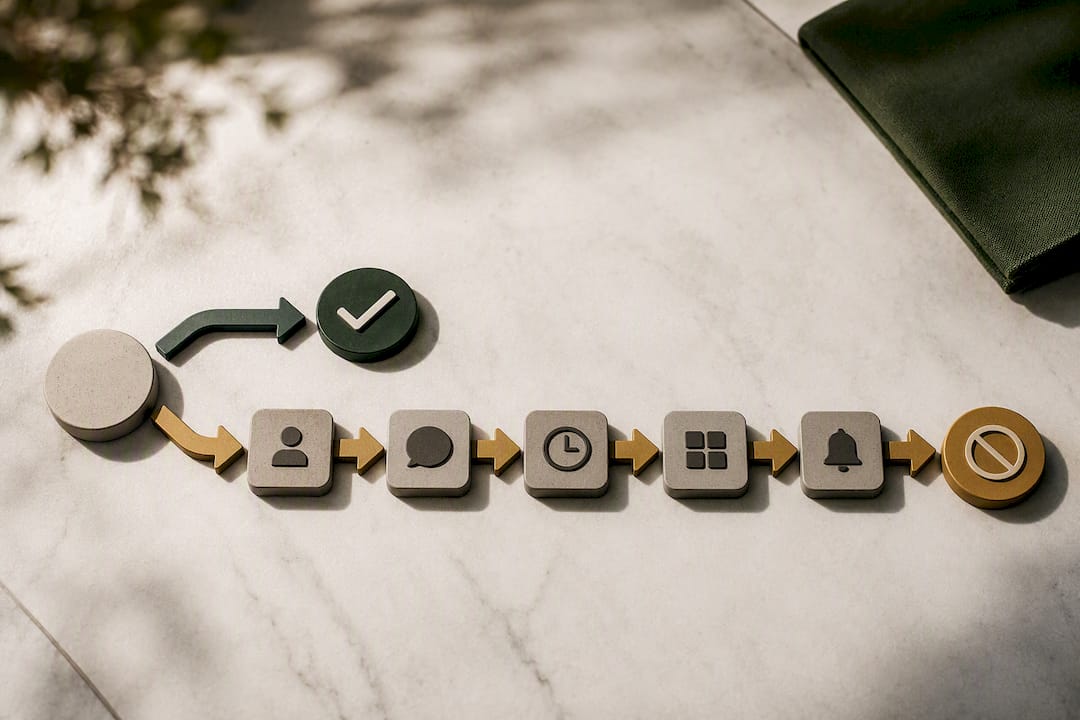
The conventional wisdom says track your spending and you'll naturally cancel what you don't need. In practice, tracking alone rarely changes behavior. You can see a $14.99 charge every month for a year and still not cancel it, because seeing a number and acting on it are two different skills. What actually works is forcing a decision point, canceling first and asking questions later, then measuring the absence rather than trying to predict it in advance.
If there's one thing worth prioritizing over everything else in this article, it's the six-month email search. It surfaces more forgotten charges than any app-store check or bank statement scan, because it catches the subscriptions you signed up for once, in a moment of good intentions, and never touched again.
, Omar
Get the No Spend Reset Workbook and Webapp
An audit finds the leaks. A structured system keeps them from reopening. The No Spend Reset workbook and webapp give you the cancellation email templates, daily tracking prompts, and 30-day scripts covered above in one place, so you're not rebuilding a checklist from scratch every few months.
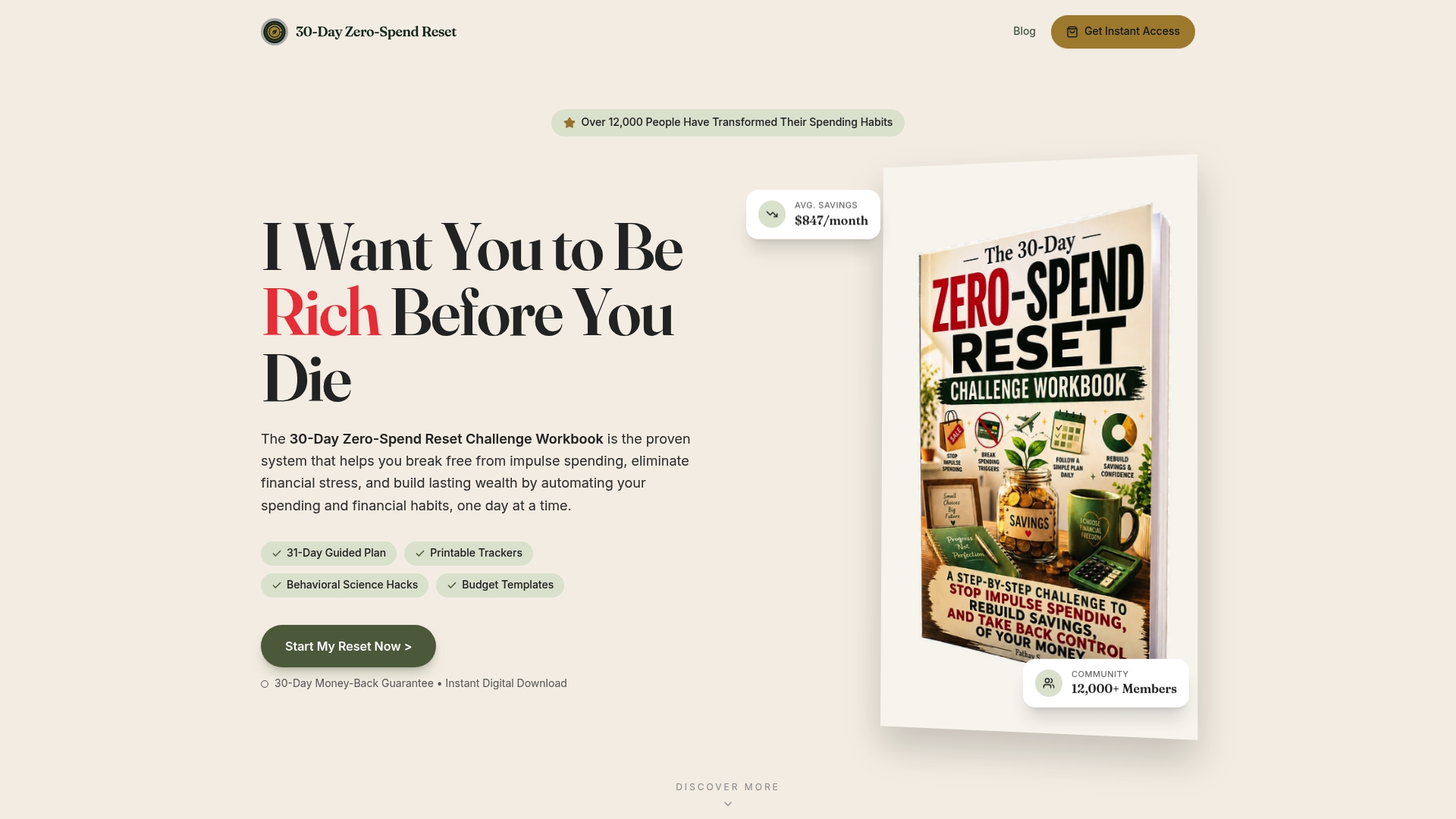
The webapp mirrors the cancel-and-test method directly: daily prompts ask what you missed, printable trackers total your savings automatically, and social scripts help you handle a retention agent without caving to a discount you don't need.
If you've already run your own audit, the Zero Spend Guide walks you through the full reset process, including the scripts and refund language worth having ready before you call. For readers who want the complete system in one purchase, the No Spend Reset Challenge Workbook bundles the trackers, templates, and 30-day plan together. Start with the webapp's free daily prompts and see how many subscriptions you cancel in the first week alone.
Sources
- How to find and cancel unwanted online subscriptions | Consumer Reports
- How to cancel a subscription and stop recurring charges | LegalClarity
- If you want to cancel a subscription from Apple - Apple Support
- BBB tip: Cutting down on subscription costs
Recommended
Ready to reset your spending?
Get the 30-Day Zero-Spend Reset Workbook and turn these ideas into a daily action plan.
Start the 30-Day ResetThis article is part of the 30-Day Zero-Spend Reset method. Explore the complete day-by-day system behind these ideas.
Read the full guideKeep reading




Join the conversation
Be the first to share your thoughts on this article.